
Login methods
Your team logs in to Fonio with a password or with single sign-on (SSO). See how the two work together and how to log in.
Your team can log in to Fonio in two ways:
Password
Email address and a Fonio password. Included in every plan and always on.
SAML SSO
The company account from Microsoft Entra ID, Google Workspace or another identity provider. Not included by default.
Admins find both under Company Settings → Login Methods.
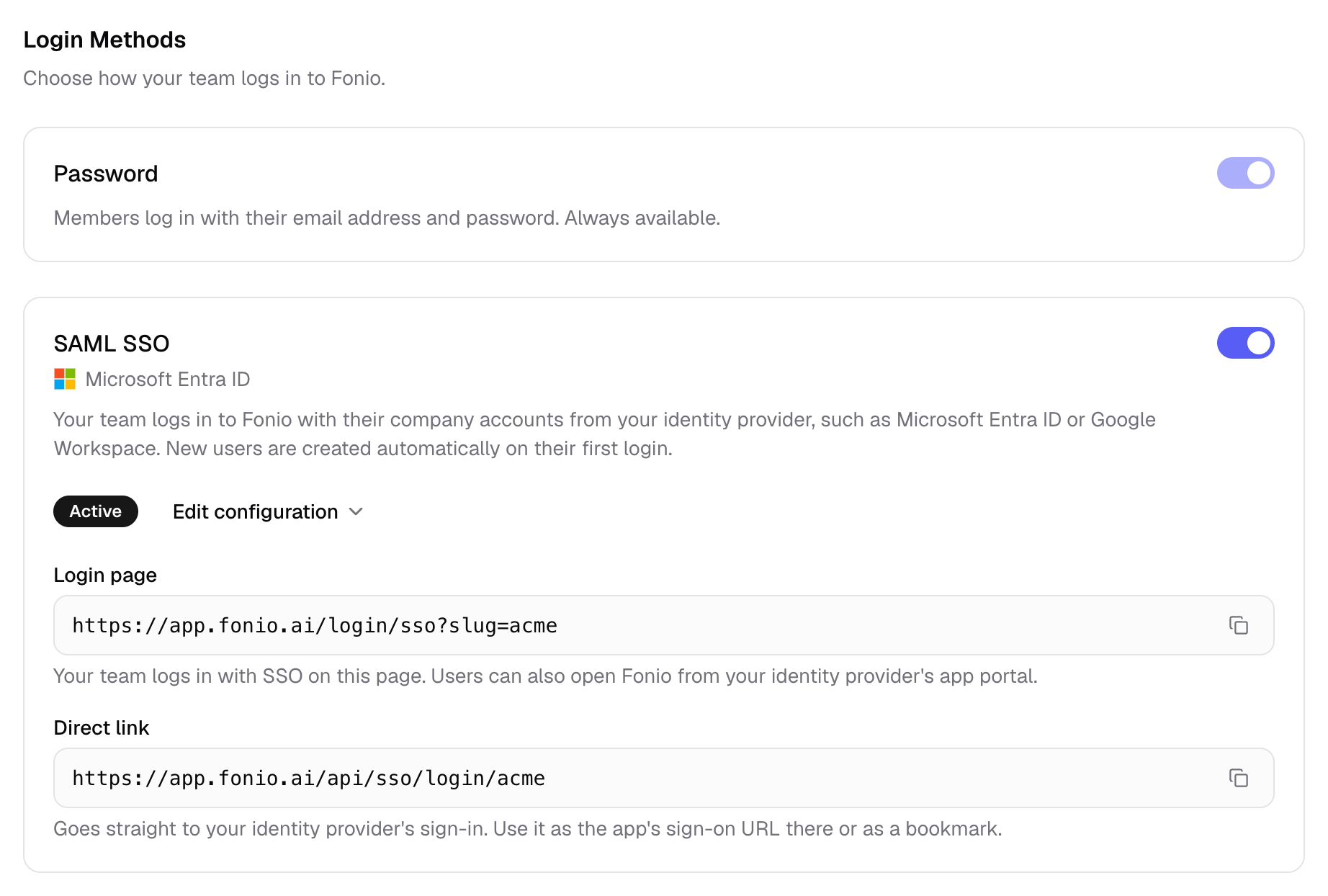
Password
Password login is always on and can't be switched off. Every user with a Fonio password can use it, also when your company uses SSO.
Each user can protect their password login with two-factor authentication under Account → General: after the password, Fonio asks for a code sent by email or SMS.
SAML SSO
With SSO, your team logs in with the company account they already use every day. This has three advantages:
- One account: no separate Fonio password to remember.
- Central control: your identity provider decides who can log in and with which role. New users are created in Fonio on their first login.
- Offboarding: anyone you remove from the app in your identity provider can no longer log in with SSO. If they also have a Fonio password, remove them in Fonio too.
SAML SSO isn't included in Fonio by default. It's available for selected subscriptions and subject to individual conditions. To find out whether it's available for your company, contact support@fonio.ai. Once we've enabled it, an admin sets it up in a few steps, see SSO with SAML.
How to log in
- Open the Fonio login page and enter your email address.
- Select Continue.
- If your company logs in with SSO, Fonio sends you to your identity provider. Otherwise, enter your password and select Login.
Your company may also share an SSO login link with you, or add Fonio to your identity provider's app portal, for example My Apps in Microsoft Entra ID.
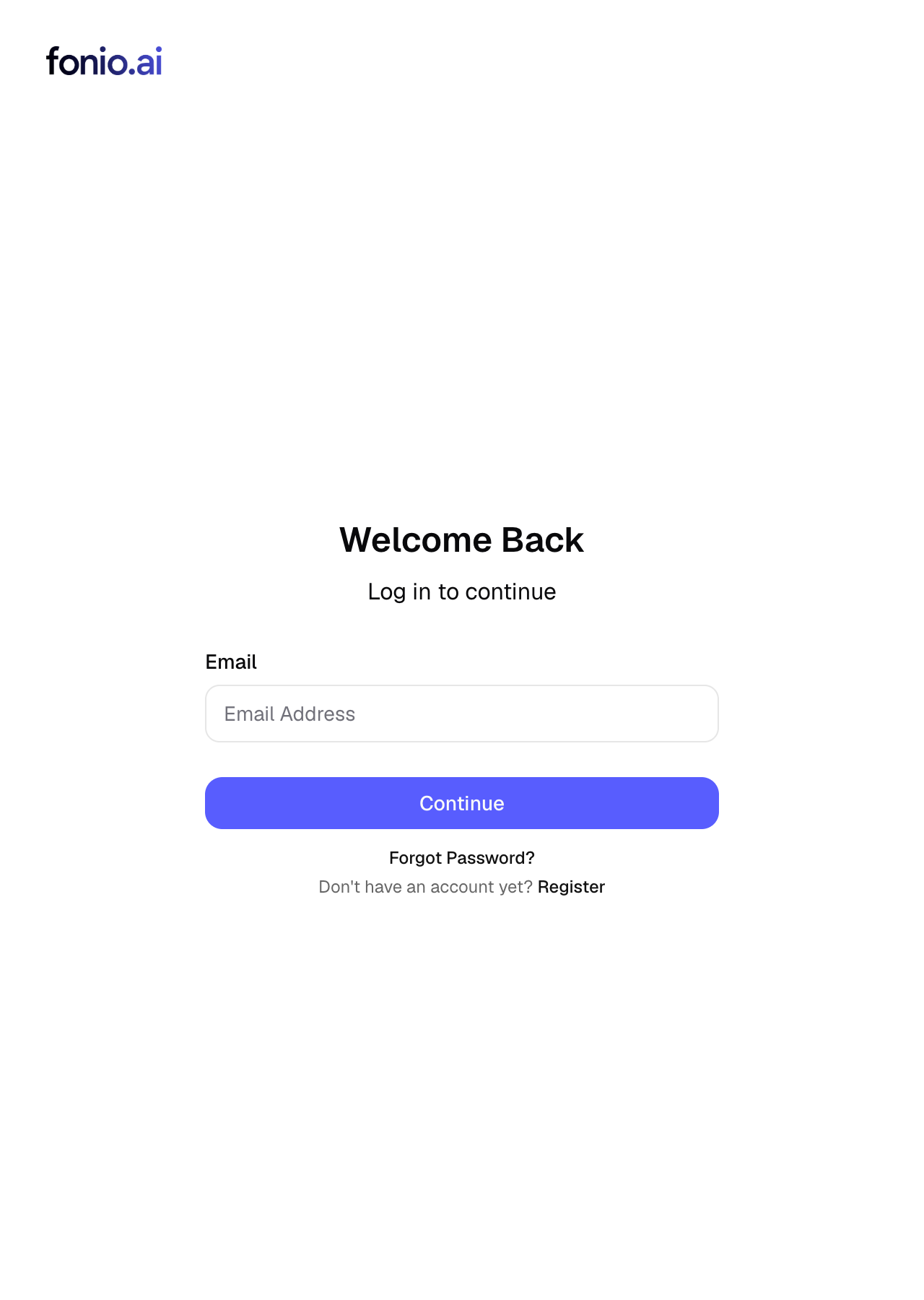
Forgot your password? Select Forgot Password? on the login page. Fonio emails you a link to log in and set a new password. If you log in with SSO and have no Fonio password, the email points you to your company's SSO login instead.
Using password and SSO together
- Existing users keep their password. When they log in with SSO for the first time, their Fonio account is linked to their company account. They can then use either method.
- Users created by SSO have no Fonio password. They log in with SSO only and manage multi-factor authentication in your identity provider.
- SSO can't be required yet. Users with a Fonio password can always log in with it, so a broken SSO setup never locks your company out. On the SSO login page, Log in with a password instead leads to the password login.
- If you switch SSO off, users without a Fonio password can only log in through Forgot Password?. Fonio shows how many users this affects before you switch it off.